Manage your GitHub Repositories
Connect, update, or remove GitHub repositories available to a Tenki workspace.
The connection between Tenki and your GitHub Organization is managed by the Tenki GitHub Application. From there, you define the level of access you grant, including which repositories Tenki can access.
This access is used to link repositories to your Tenki workspace:
- If you grant access to all repositories, Tenki will automatically have access to both existing repositories and any new ones created in the future.
- If you choose to limit access to a selected set of repositories, you can manage this directly from the GitHub UI, and any changes will be automatically reflected in your Tenki workspace.
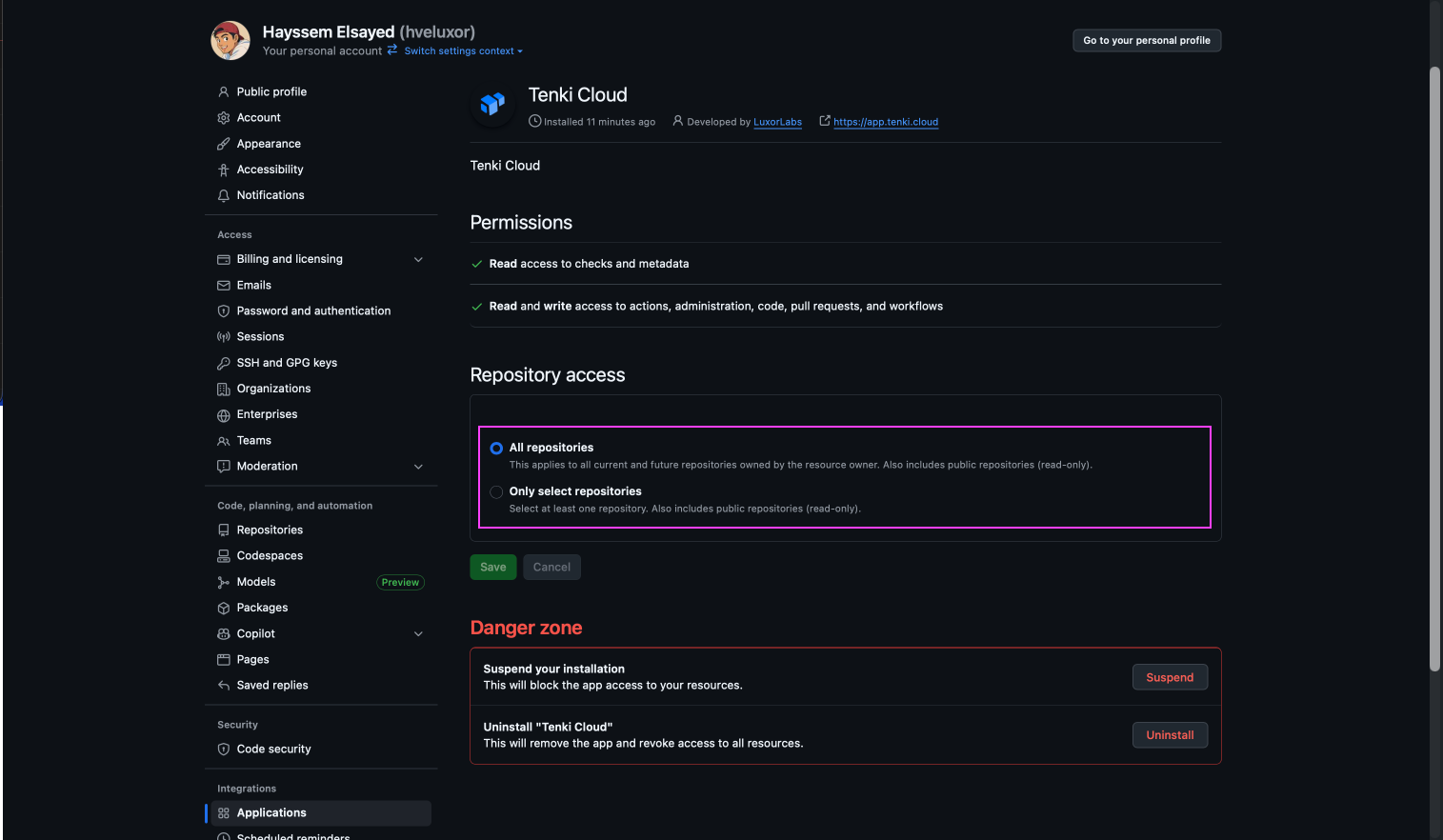
Repository access: All repositories
Everything is handled automatically by the application.
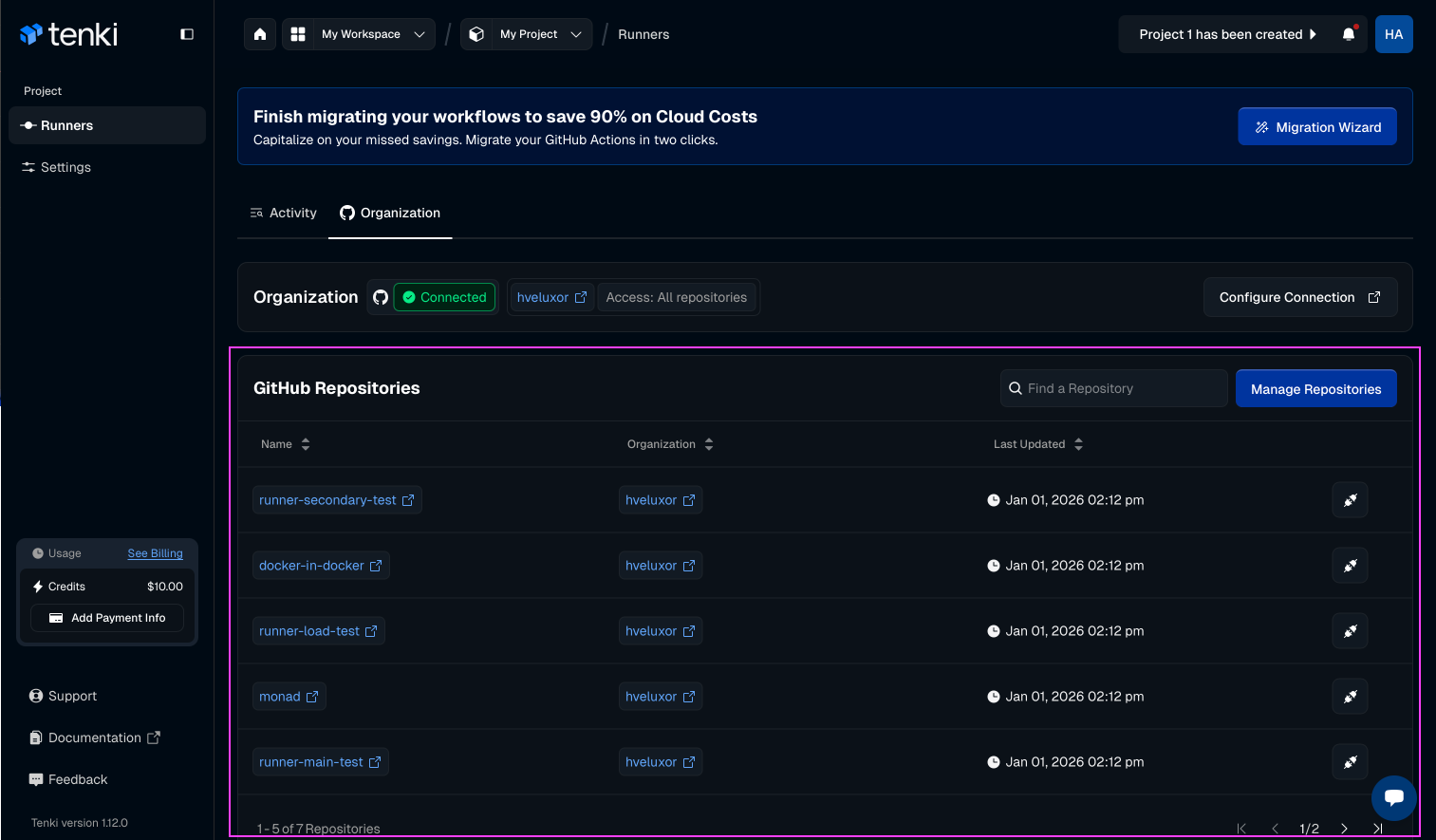
Any repository created, updated, or deleted in the GitHub Organization connected to your Tenki workspace is automatically reflected in the Organization tab. No manual action is required, everything stays in sync automatically.
Repository access: Selected repositories
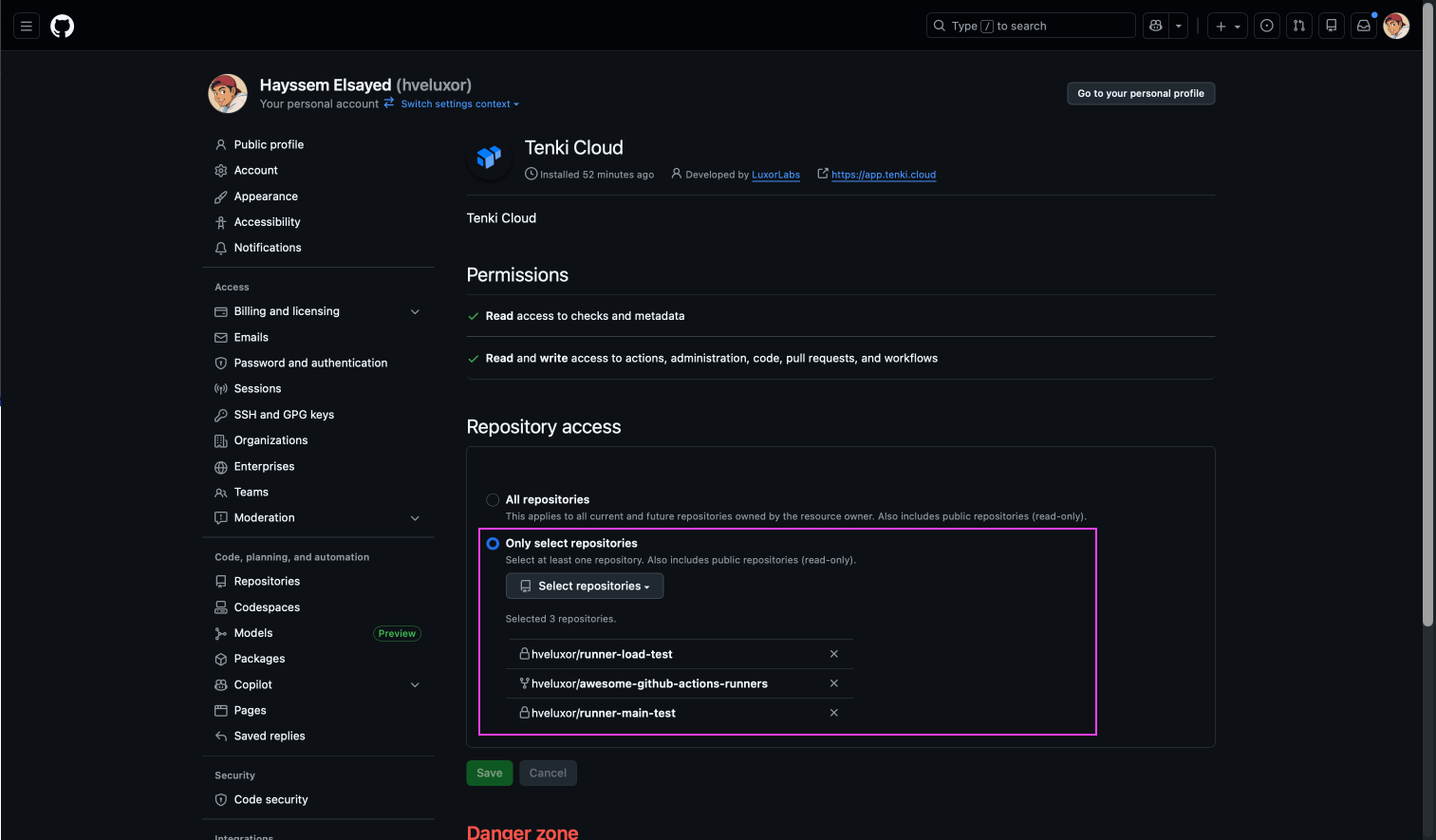
When repository access is set to Selected repositories, the Tenki workspace can access only those specific repositories.
Any changes you make in GitHub: adding or removing repositories, theses changes are automatically applied to Tenki.