Get Started with Tenki Code Reviewer
Set up Tenki Code Reviewer in minutes. Connect GitHub or Cursor Origin and get high-signal pull request reviews.
Tenki Code Reviewer reviews pull requests on GitHub and Cursor Origin. You connect a provider once per workspace, and the same review settings apply to every repository it can access.
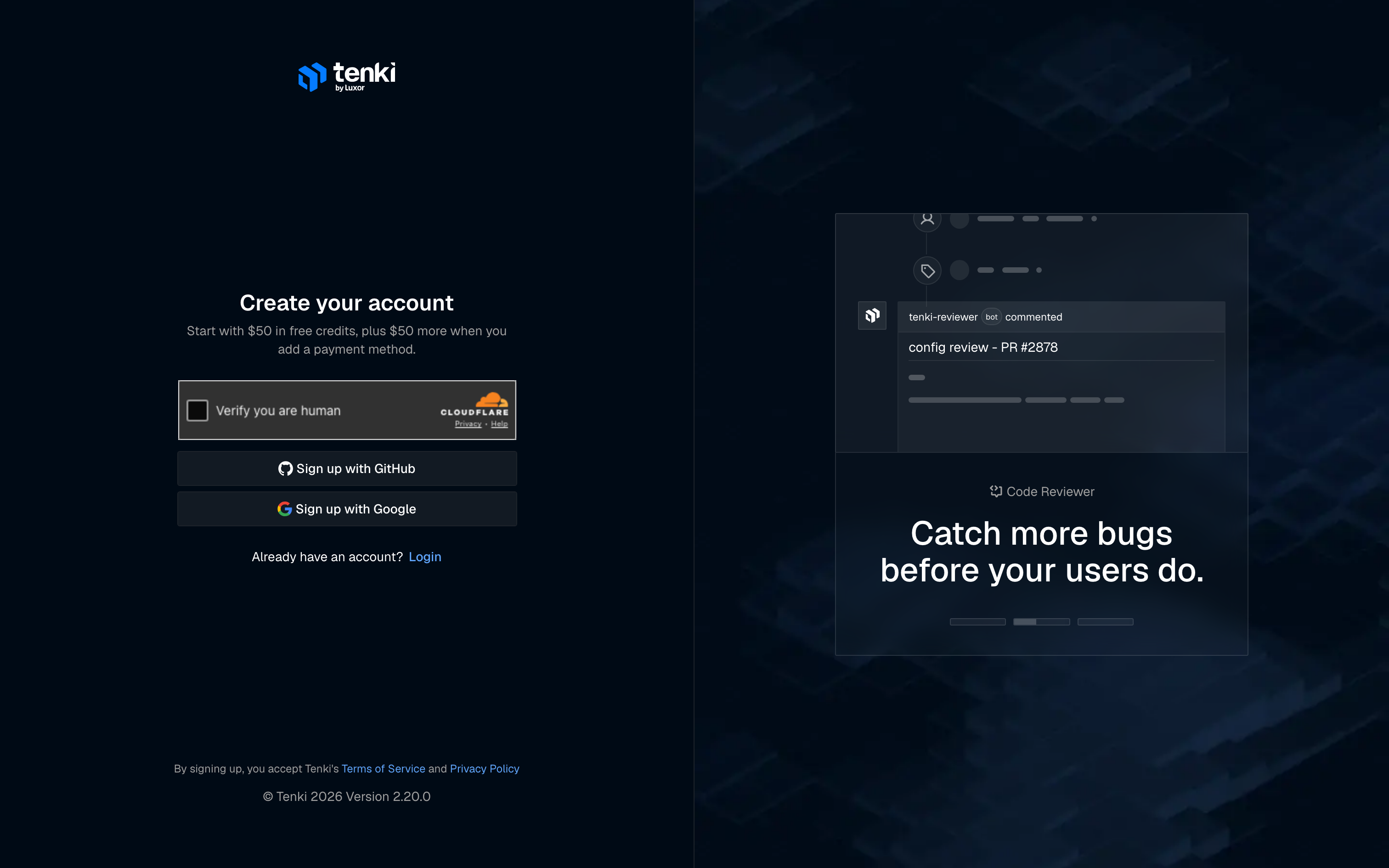
Open Code Reviewer
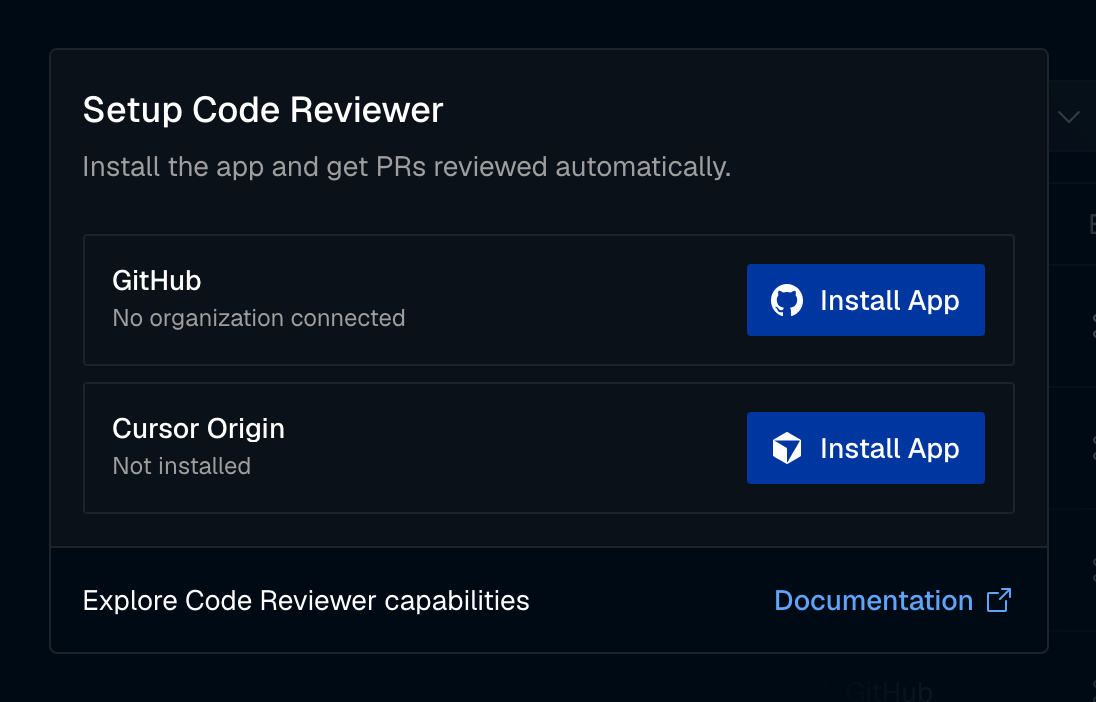
Choose your workspace, then select Code Reviewer in the sidebar. Until a provider is connected, the page shows the Setup Code Reviewer card with one row per provider.
Connect your provider
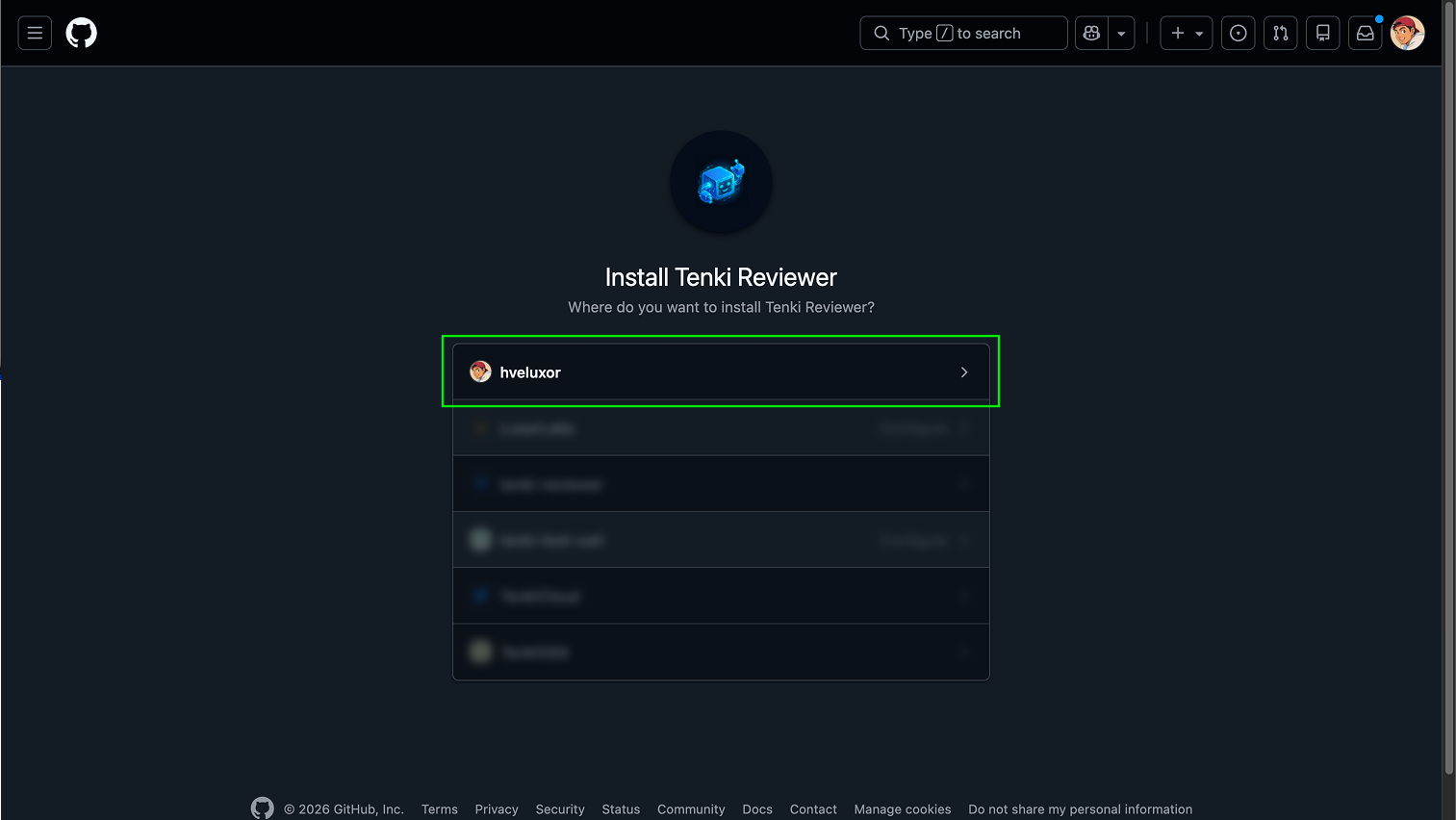
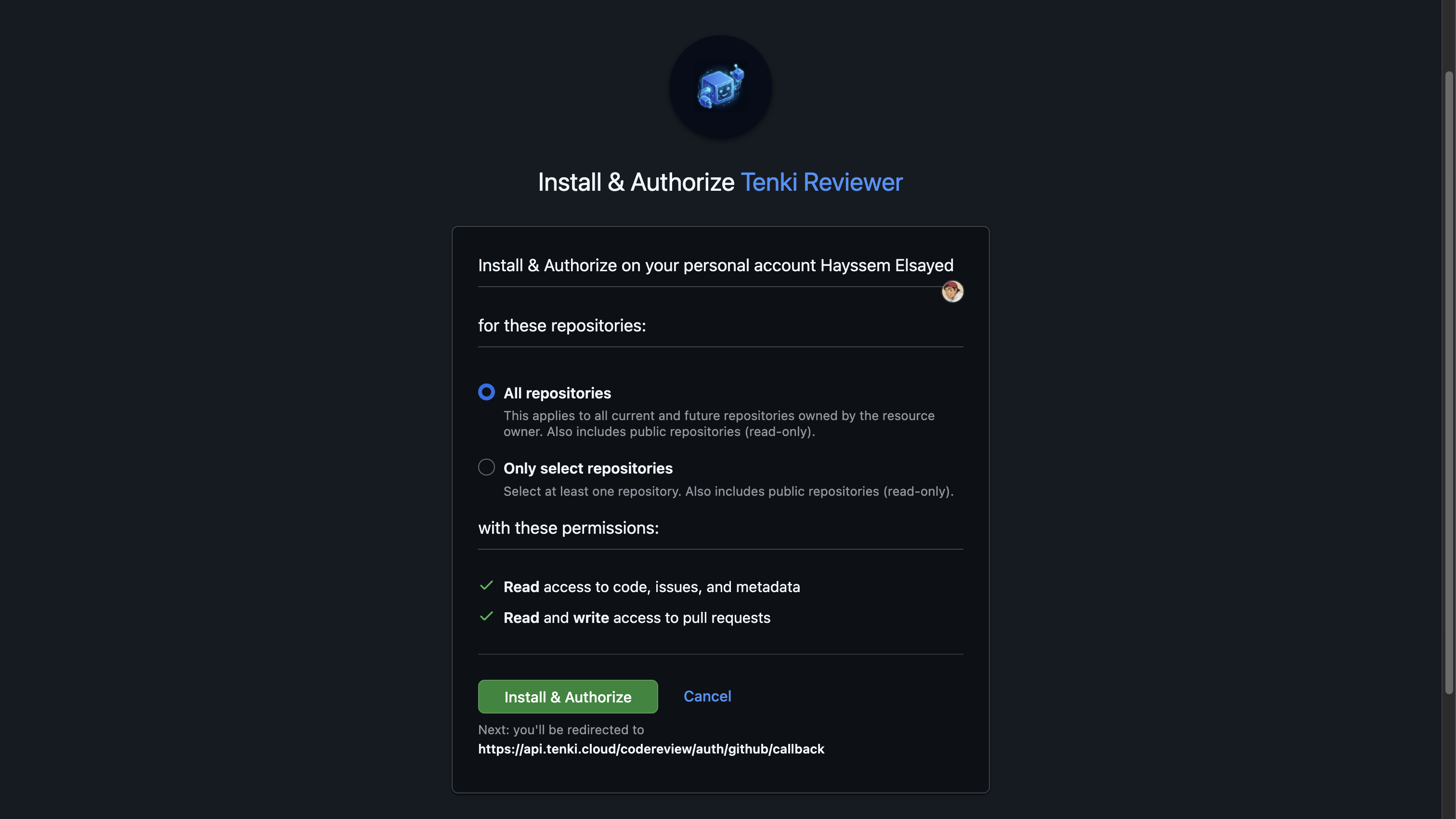
GitHub: select Install App next to GitHub, choose the organization, then choose the repositories the Tenki Reviewer app can access and select Install & Authorize.
Cursor Origin: select Install App next to Cursor Origin. Cursor opens its install page for your namespace, where you choose the repositories, review the permissions Tenki asks for, and select Install. You land back on Code Reviewer when the install finishes. See Cursor Origin for the details, including how to install from Cursor instead.
You can connect both providers to the same workspace. Manage them later from Code Reviewer → Configuration → Connections.
Get your first review
Open a pull request in a connected repository. Tenki reviews it automatically, usually within a few minutes. Draft pull requests are reviewed once they are marked ready for review.
On GitHub, the reviewer reacts to the pull request to show its progress:
| Status | Emoji | Meaning |
|---|---|---|
| Analyzing | 👀 | Tenki is building context and reviewing the PR |
| Complete | 👍 | The review is posted |
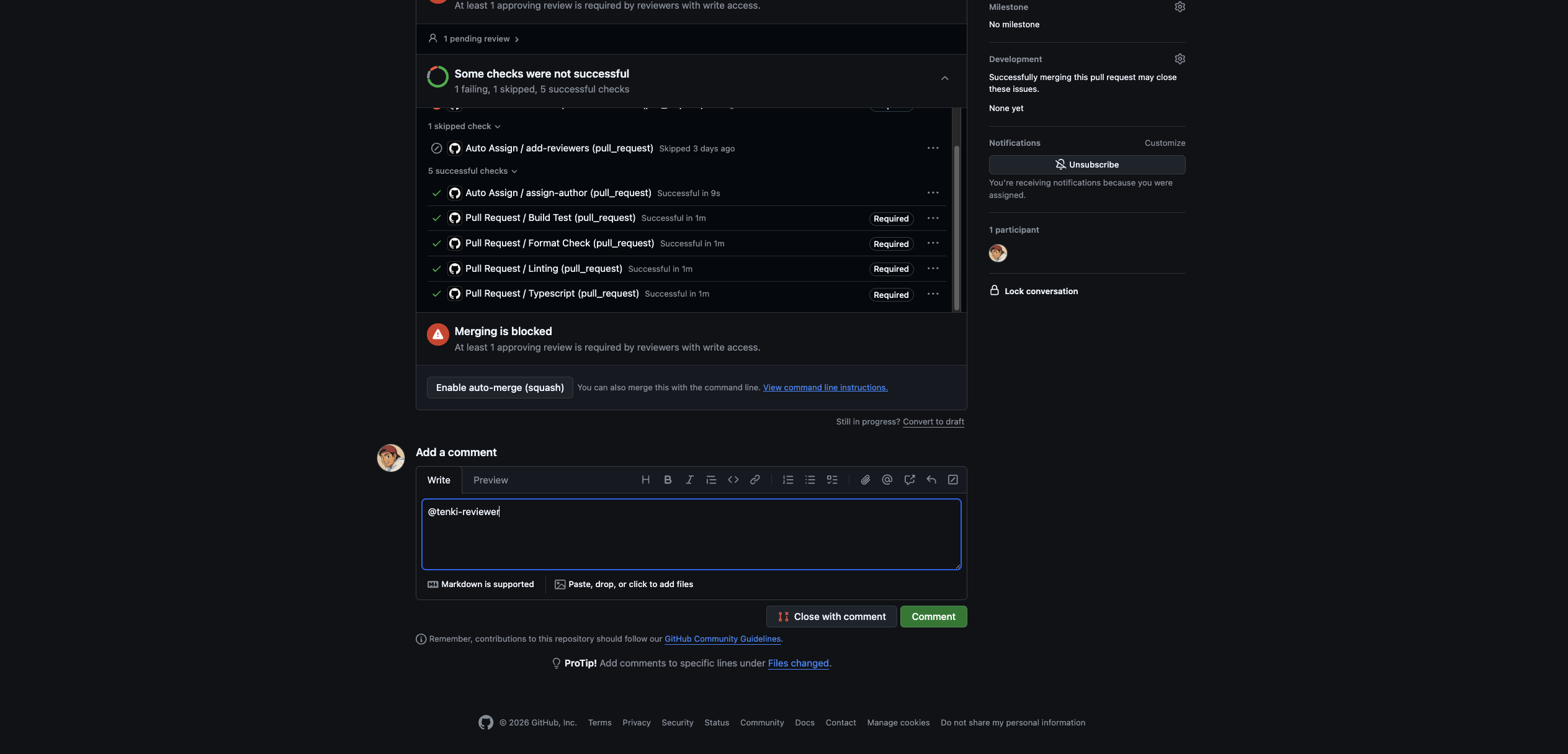
| Failed | 😕 | Something went wrong; tag @tenki-reviewer to retry |
On Cursor Origin, Tenki posts a status comment that reads "Tenki is reviewing this pull request…" and replaces it with the review summary when it finishes.
See Review Anatomy for what the review contains.
Request a review manually
Mention @tenki-reviewer in a pull request comment to start a review. This works on both providers and is the way to review pull requests that were opened before you connected Tenki.