Account
Manage Payments and Plans
Update your payment details, switch plans, review past invoices, and manage your subscription settings quickly and securely.
Plans Management
Tenki offers two self-service plans to fit different needs, plus a custom-priced Enterprise plan for larger organizations:
- Starter: Set a daily or monthly spending limit that you can adjust at any time, with competitive rates. This plan also includes $10 in free credits every month, renewed automatically.
- Team: Designed for larger teams, this plan provides a fixed monthly credit allowance to support higher usage needs. Usage beyond the monthly credits is billed pay-as-you-go at the standard usage rates, with no cap on how much you can consume.
Regardless of which plan you choose, once your balance is funded you'll have full access to all three Tenki applications and every feature on the platform.
Starter Plan
1
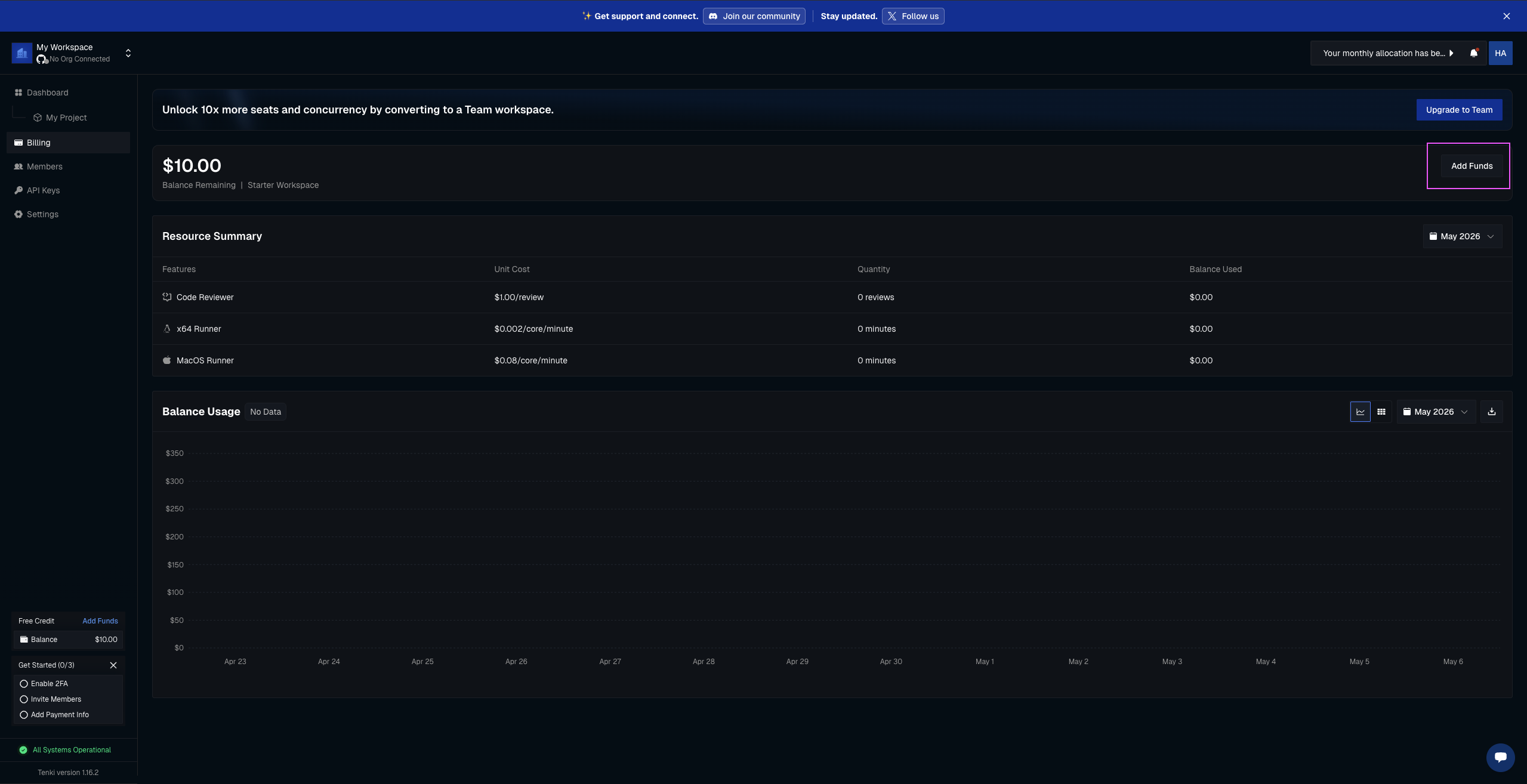
Access Billing page and select Add Funds
2
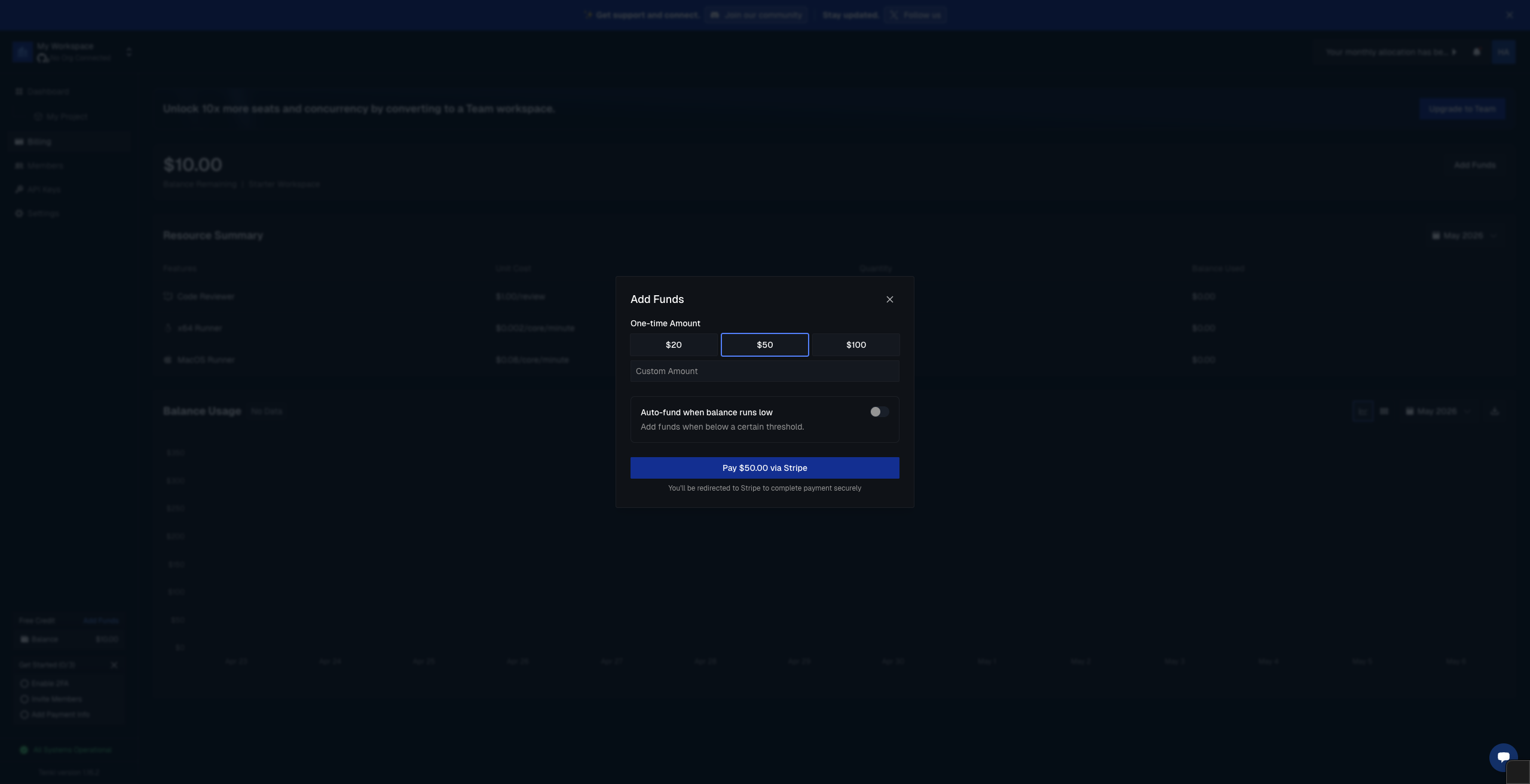
Enter the amount you'd like to allocate to your balance (minimum top-up is $20)
3
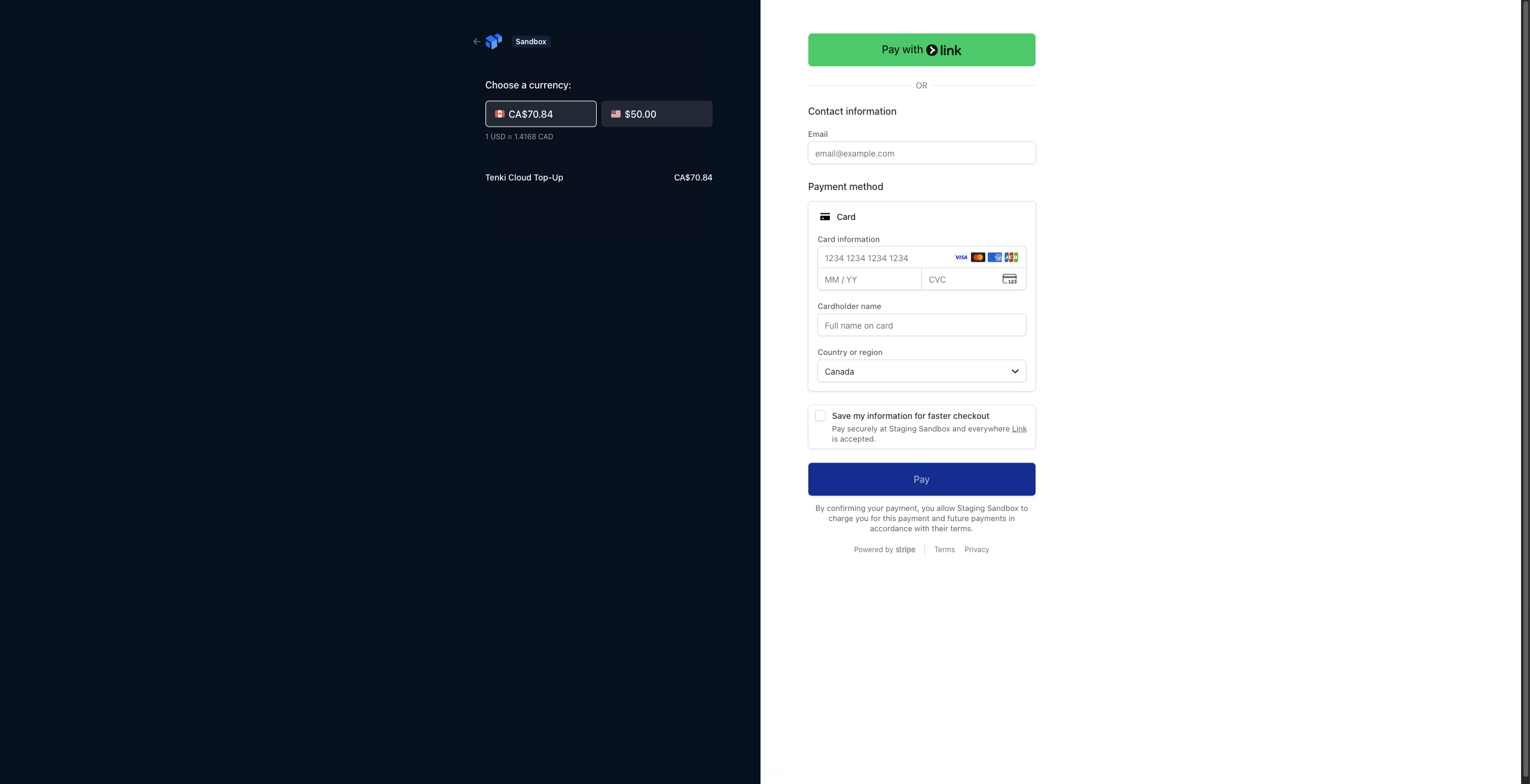
Complete the transaction on Stripe
Team Plan
1
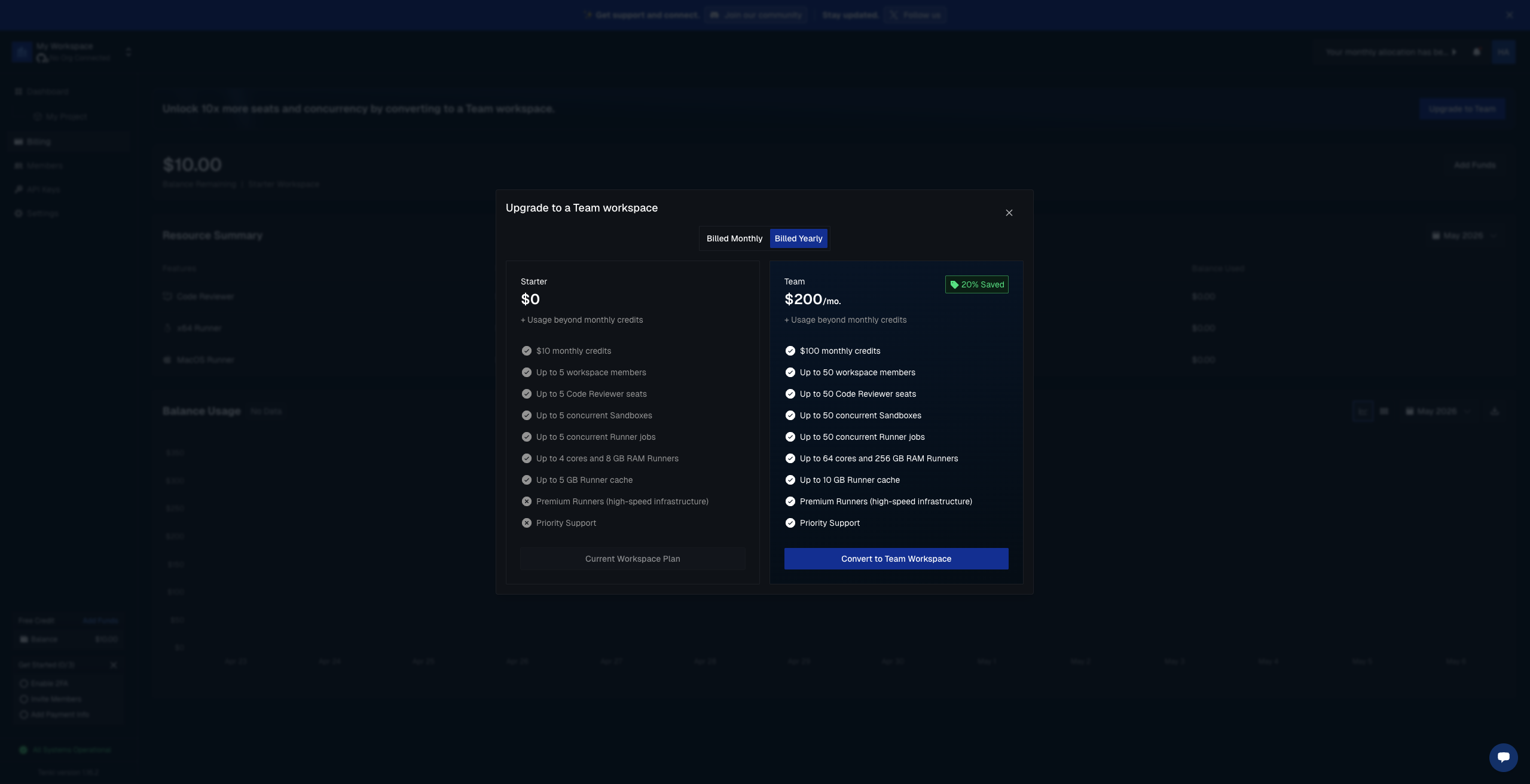
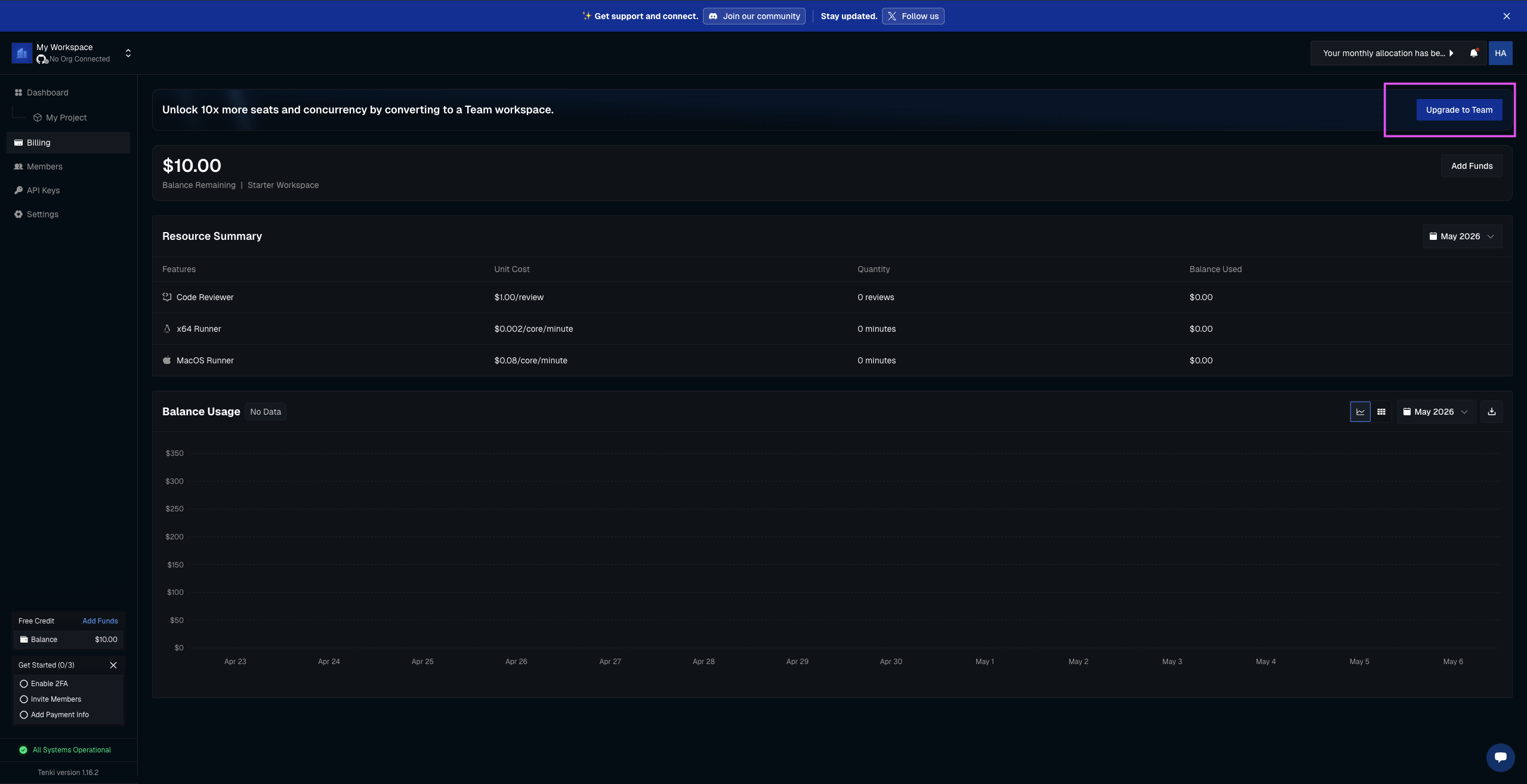
Access Billing page and select Upgrade to Team
2
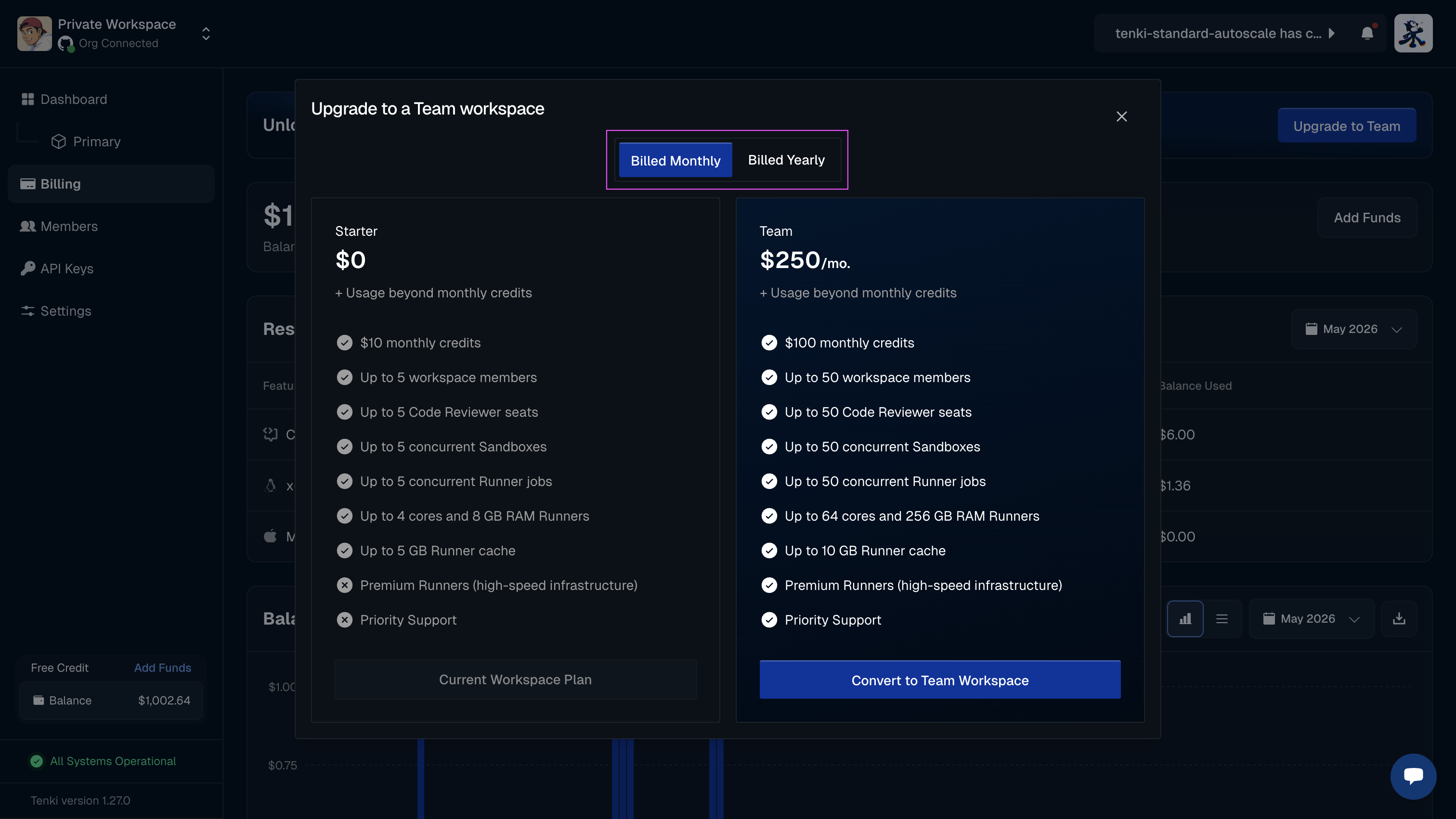
Select if you prefer Monthly or Annual payment
3
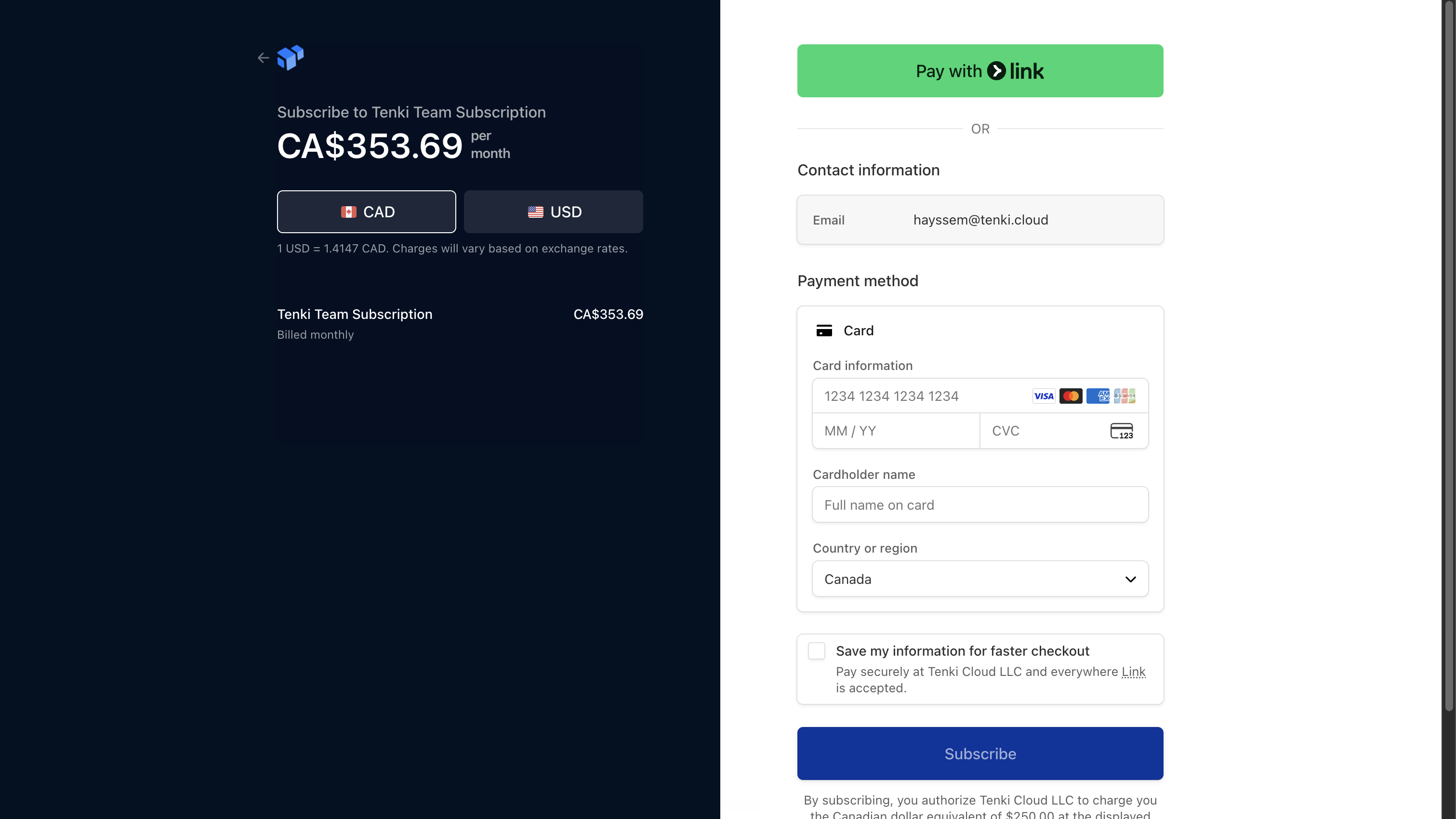
Complete the transaction on Stripe