Manage Your GitHub Application and Repositories
Connect and manage the GitHub repositories available to Tenki Code Reviewer in your workspace.
The connection between Tenki and your GitHub Organization is managed by the Tenki GitHub Application. From there, you define the level of access you grant, including which repositories Tenki can access.
This access is used to link repositories to your Tenki workspace:
- If you grant access to all repositories, Tenki will automatically have access to both existing repositories and any new ones created in the future.
- If you choose to limit access to a selected set of repositories, you can manage this directly from the GitHub UI, and any changes will be automatically reflected in your Tenki workspace.
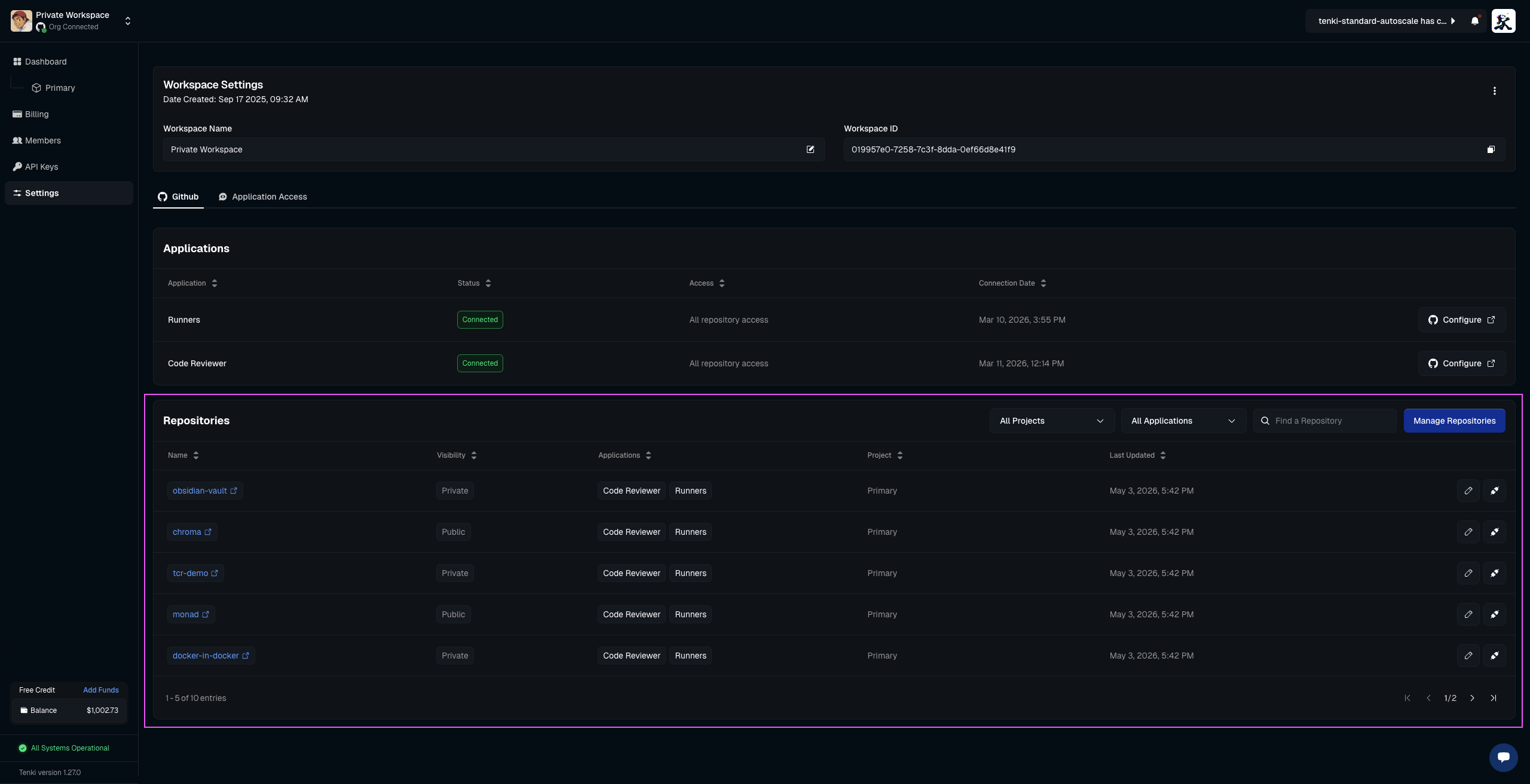
Repository access: All repositories
Everything is handled automatically by the application.
Any repository created, updated, or deleted in the GitHub Organization connected to your Tenki workspace is automatically reflected in the Organization tab. No manual action is required, everything stays in sync automatically.
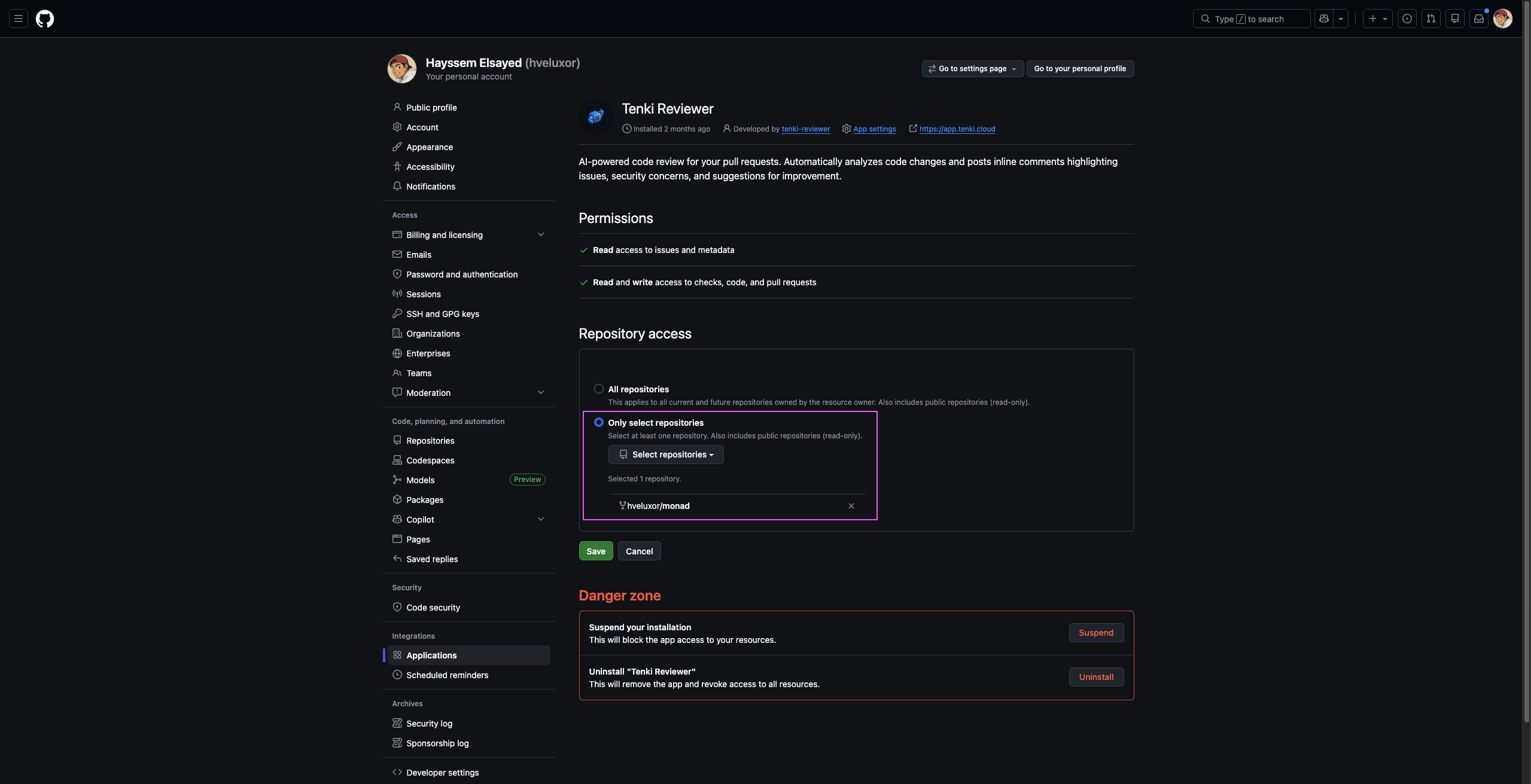
Repository access: Selected repositories
When repository access is set to Selected repositories, the Tenki workspace can access only those specific repositories.
Any changes you make in GitHub: adding or removing repositories, theses changes are automatically applied to Tenki.
Choose which repositories get code review
The Code Reviewer agent only runs on repositories the Tenki GitHub App can access. Manage that list from GitHub:
Under Repository access, choose All repositories or Only select repositories and adjust the selection.
Save. The reviewer-enabled repositories in your workspace update automatically; no action is needed inside Tenki.
Per-repository overrides
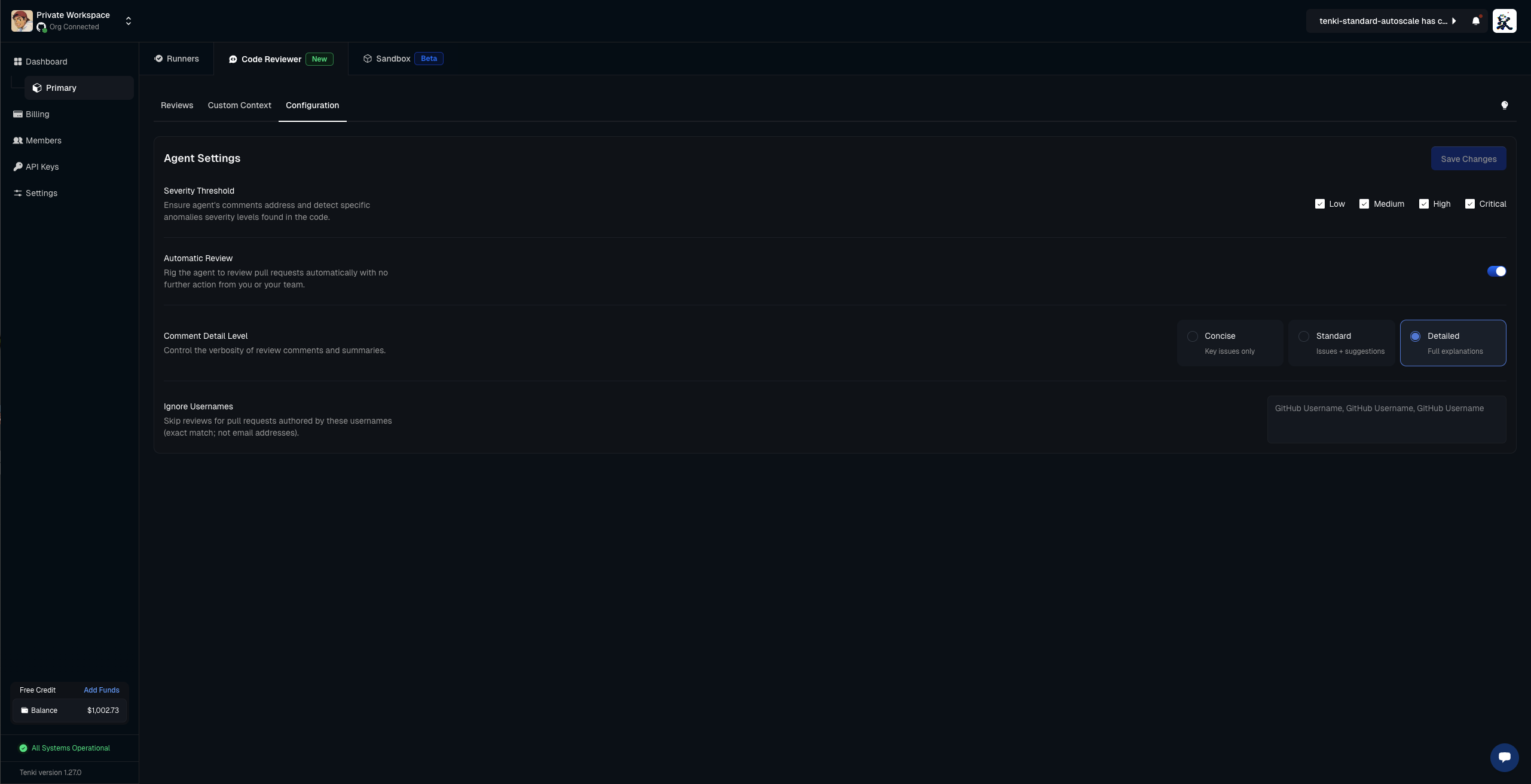
Code Reviewer settings apply to your whole workspace by default, but every setting can be overridden for a single repository. In the reviewer configuration, use the Scope selector to switch from the workspace default to a specific repository, then adjust any setting, including Severity Threshold, Automatic Review, Review on Push, Approve on Clean Review, Comment Detail Level, PR Walkthrough, and Ignore Usernames.
A repository that has no override inherits the workspace default. Overrides only affect the repository they are scoped to, so you can, for example, run the broadest coverage on a critical service while keeping a lighter configuration everywhere else.
Frequently asked questions
The reviewer isn't commenting on a repo. Why? The most common cause is that the repository isn't in the Tenki GitHub App's access list. Add it in GitHub (or switch to All repositories) and the change syncs automatically. See Troubleshooting for more.
Can I enable Code Reviewer on some repositories but not others? Yes. Use Only select repositories and include just the repos you want reviewed.
Does changing access modify my GitHub repositories? No. Access controls only what Tenki can see; it never changes or deletes your repositories.
For the permissions the GitHub App requests, see Tenki GitHub Application Access Levels.