Troubleshooting
Diagnose Tenki Code Reviewer GitHub App access, review triggers, large pull requests, and repository settings.
If Tenki Code Reviewer isn't behaving as expected on a repository, the cause is almost always one of three things: the GitHub App can't access the repo, the pull request is too large for a single pass, or a setting is scoped differently than you expect. Work through the sections below in order; most issues are resolved by reinstalling or re-scoping the GitHub App.
Tenki Code Reviewer does not respond to @tenki-reviewer
Tenki Code Reviewer uses the separate Tenki Reviewer GitHub App. It does not require a GitHub Actions workflow or a Tenki API key in repository secrets. Confirm that the Reviewer app can access the repository, then comment @tenki-reviewer on the open pull request. If the app is missing or its repository selection is stale, update or reinstall it from Reviewer repository access.
Tenki Code Reviewer isn't running on a repository at all
If reviews never appear on a repo's pull requests, the repository is likely not accessible to Tenki. Confirm the repo is included in the Tenki GitHub App's access list, then reinstall the integration if needed. See Enable Code Reviewer on GitHub Repositories for how repository access is granted and kept in sync.
CI not running on Tenki’s commits
Ensure you’re using the GitHub App or custom app (not Actions user), check workflow triggers include the necessary events, and verify app permissions include CI triggers.
"Context Window Exceeded" or Missing Files
The Pull Request is too large. Most AI models have a limit on the number of lines or files they can process in a single pass. Break down large PRs into smaller, more manageable chunks. Use an ignore list (e.g., .ai-ignore) to exclude auto-generated files, lockfiles (package-lock.json), or documentation.
Reviews feel too noisy or miss the things you care about
Tenki Code Reviewer can be tuned per repository. If it's flagging things you don't care about, or missing your team's conventions, describe your standards, focus areas, and what to ignore in the repository's AGENTS.md or CLAUDE.md. See Custom Context.
Frequently asked questions
Why did the reviewer skip my pull request? The most common causes are that the repository isn't connected (see repository access) or the PR exceeded the model's context window. Splitting a very large PR into smaller ones usually resolves it.
Can I control which files are reviewed? Yes. Use an ignore list to exclude generated files, lockfiles, and vendored code, and use Custom Context to point the reviewer at high-risk areas.
How do I re-run a review?
Comment @tenki-reviewer on the open pull request.
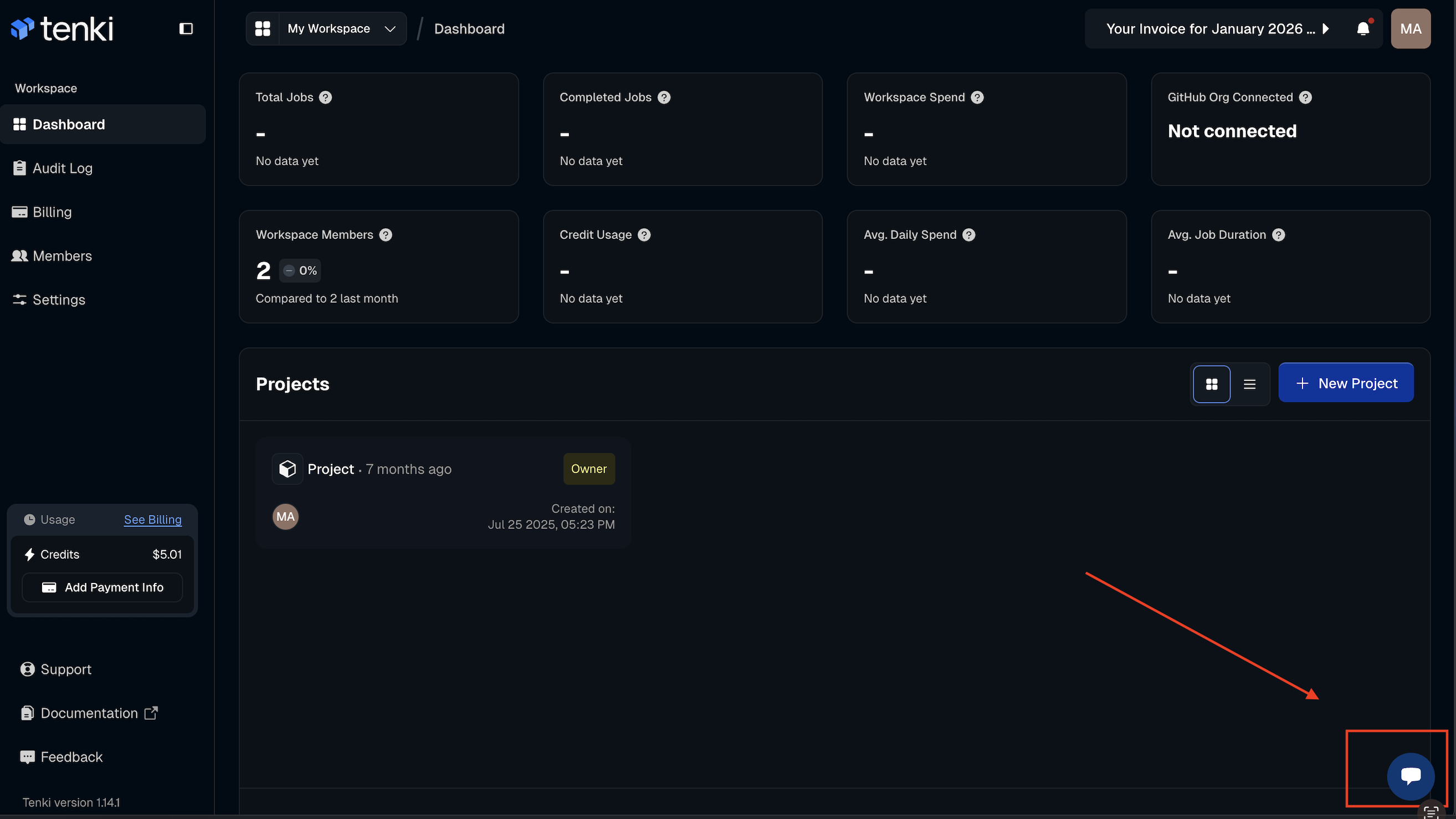
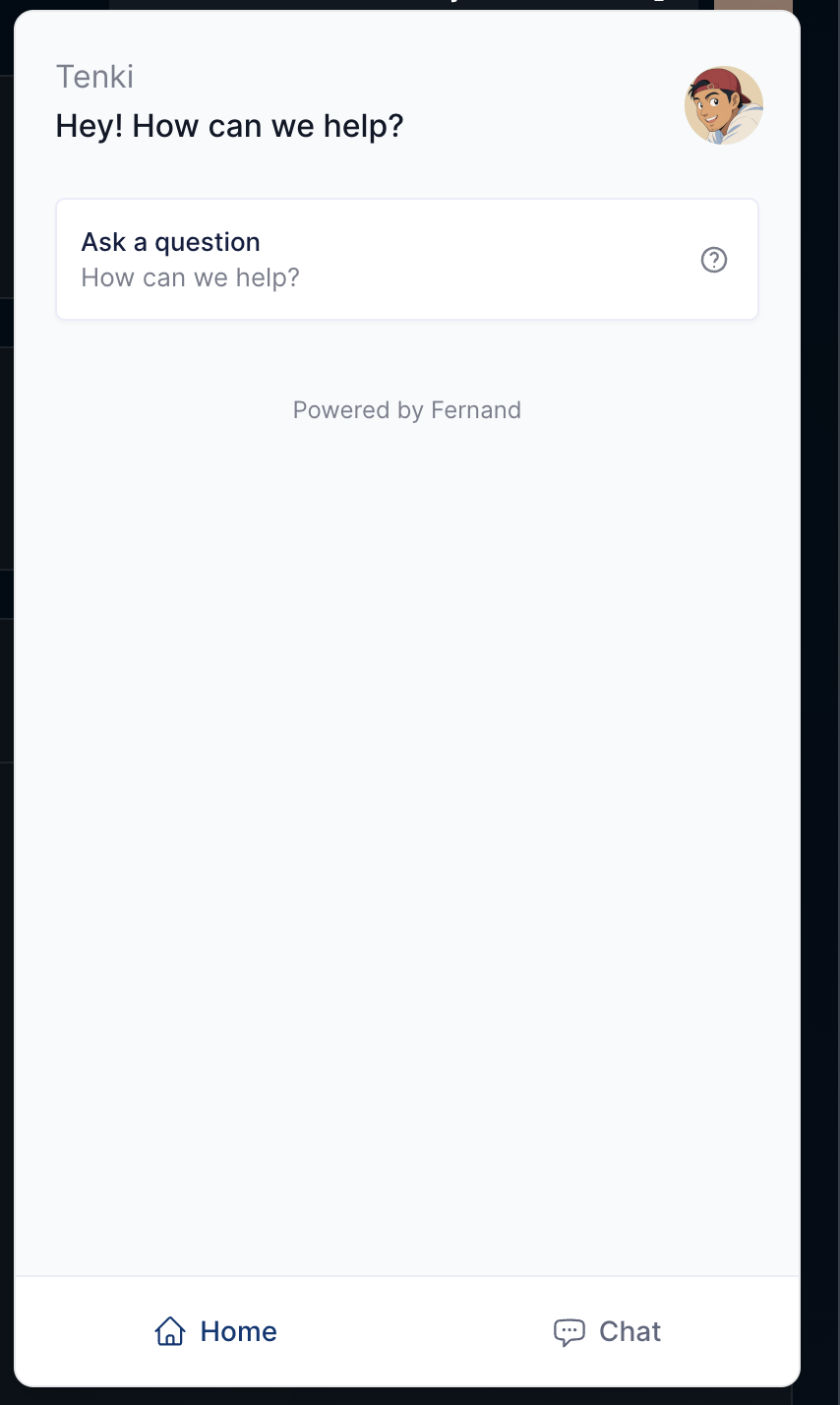
Still stuck? Reach out to us at hello@tenki.cloud or use the in-app chat (see image below).